Configure Customisations
Overview
The Configure Customizations system is designed to manage the structure and behaviour of product customization experiences within the platform. It supports configurable product setups, conditional display logic, product associations, option management, and dynamic customer interactions that help create a more guided and flexible ecommerce purchasing experience.
Create Categories
-
Go to

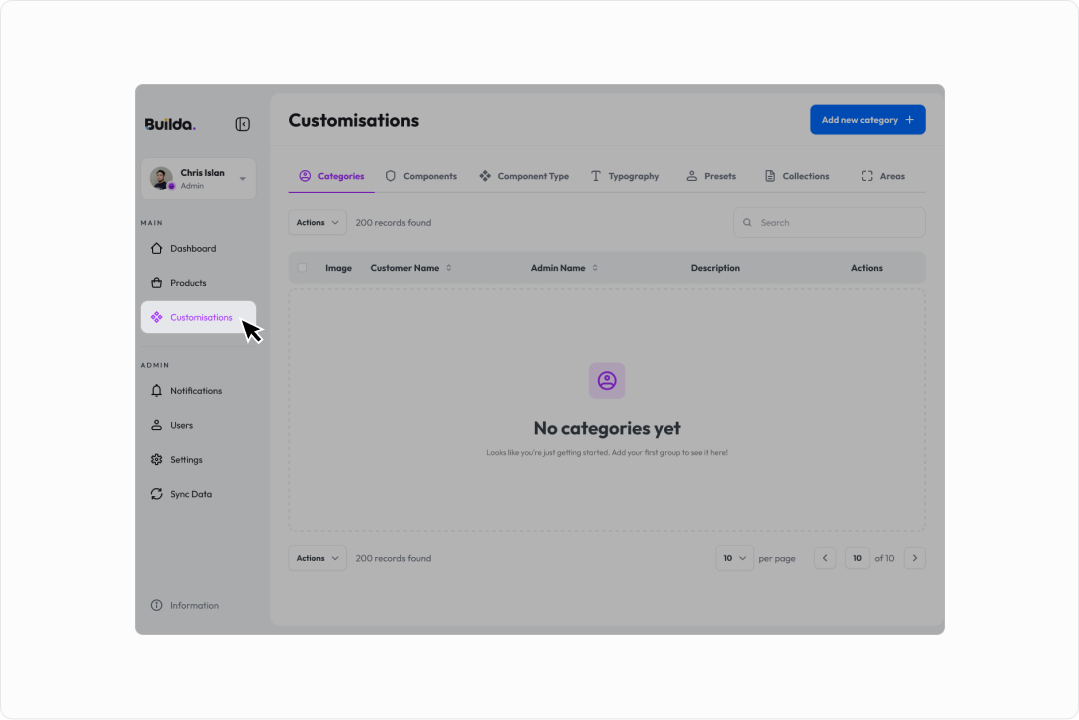
-
Go to

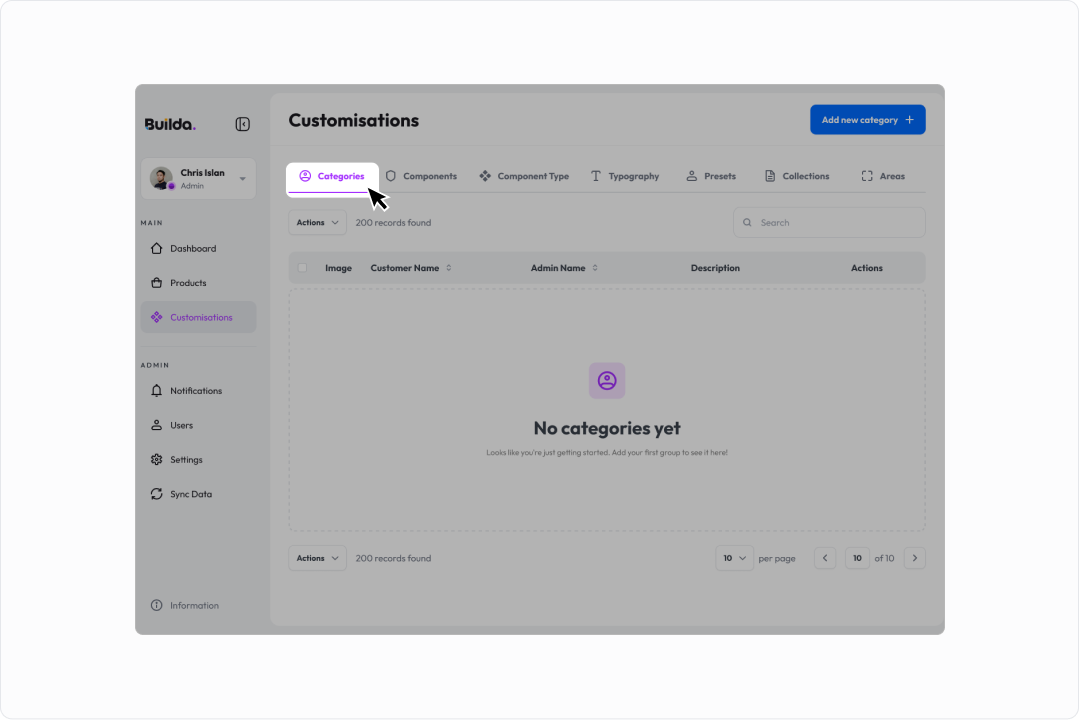
-
Click

-
Enter:
a. Name
b. Image
-
Click

Create Component Types
-
Go to
-
Go to

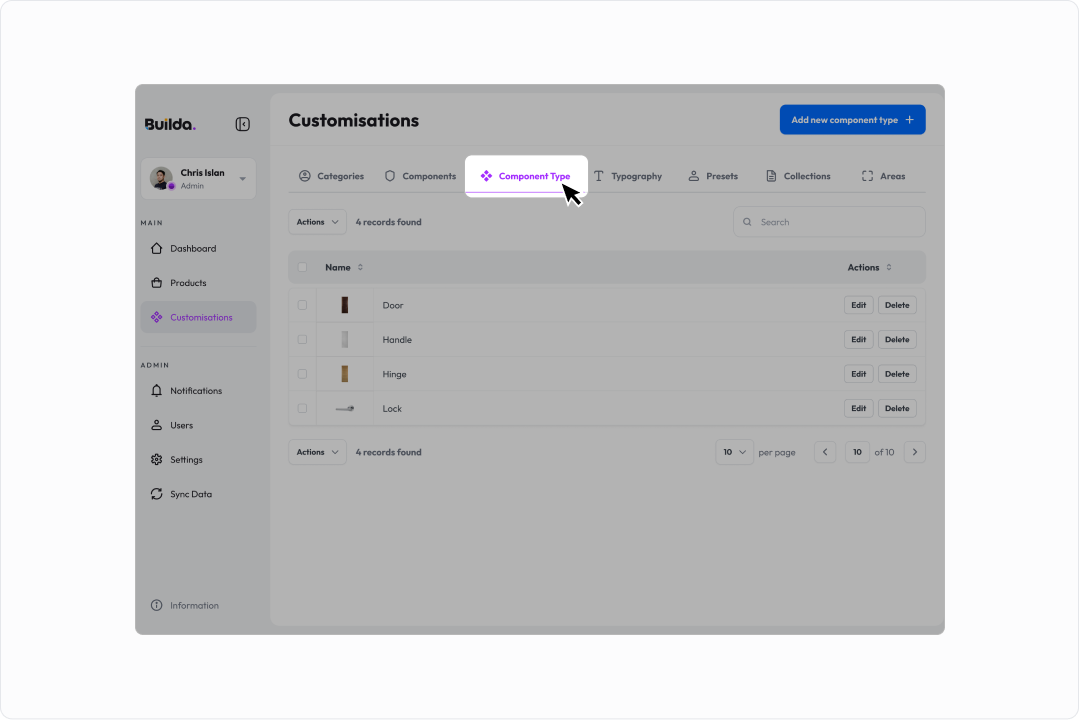
-
Click

-
Enter:
a. Name
-
Click
Create Component
-
Go to
-
Go to

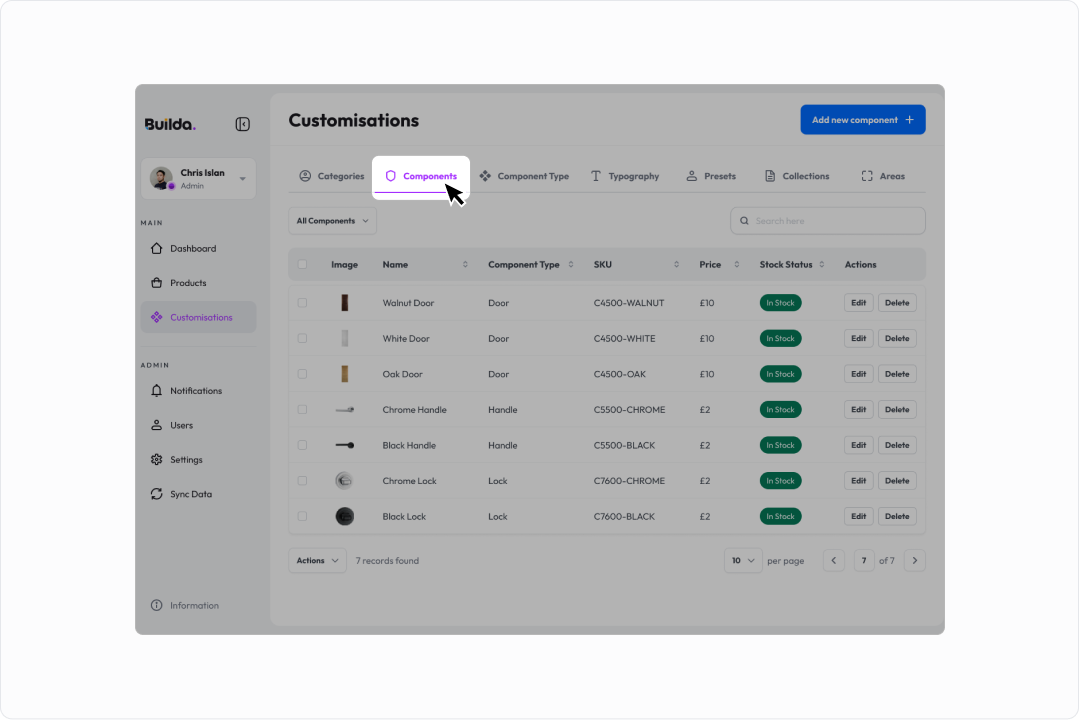
-
Click

-
Enter:
a. Component Type
b. Name
c. SKU
d. Image
-
Click
Configure Typography
-
Go to
-
Go to

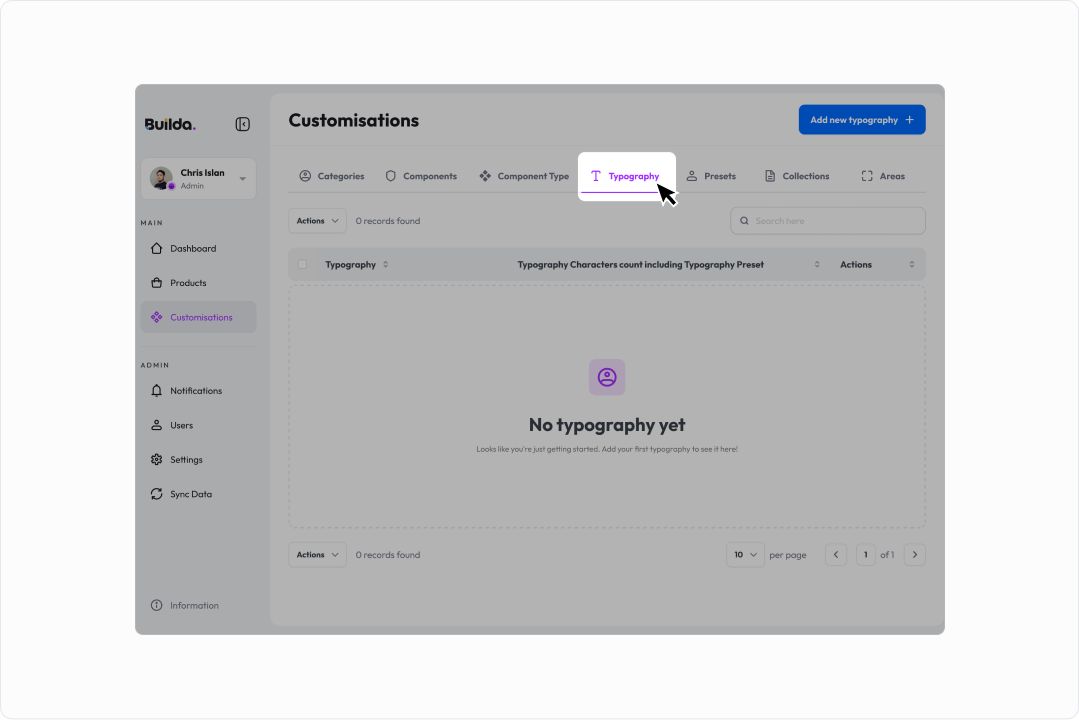
-
Click

-
Select

-
Add:
a. Character Ranges
b. Pricing Rules
-
Click
Notes:
- Overlapping character ranges are not allowed
- Some updates may require a page refresh
Web Fonts
-
Click
-
Select:
a. Internal (upload file), or
b. External (URL)
-
Enter required fields
-
Click
Create Presets
-
Go to
-
Go to

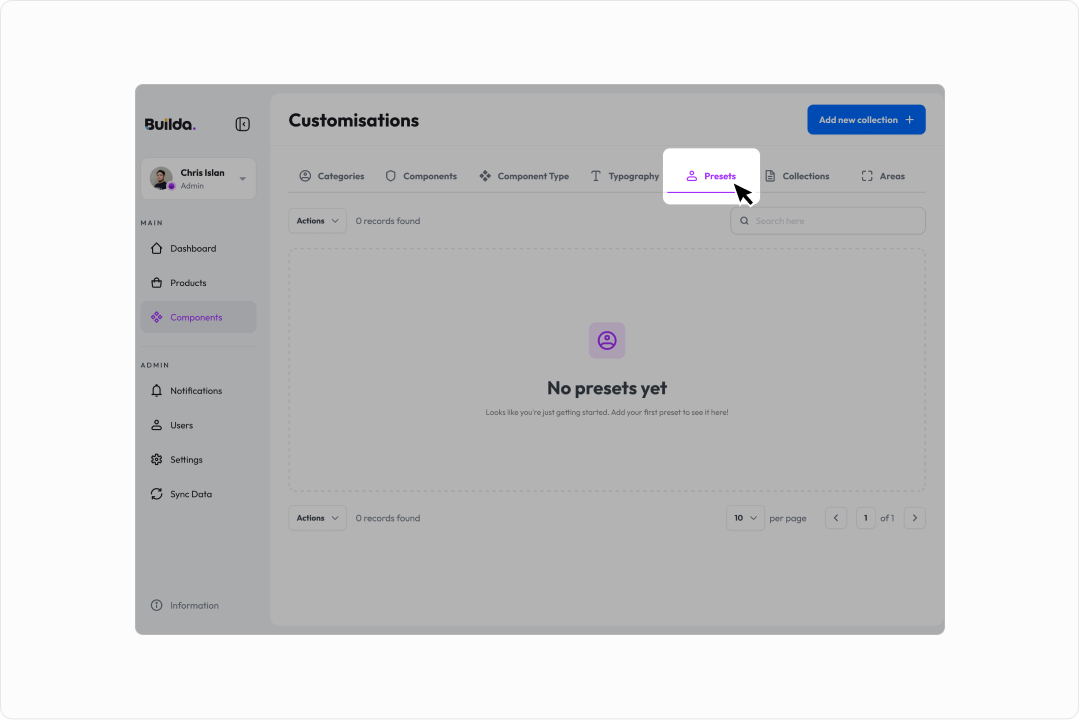
-
Click

-
Enter:
a. Name
b. Number
-
Click
Create Collections
-
Go to
-
Go to

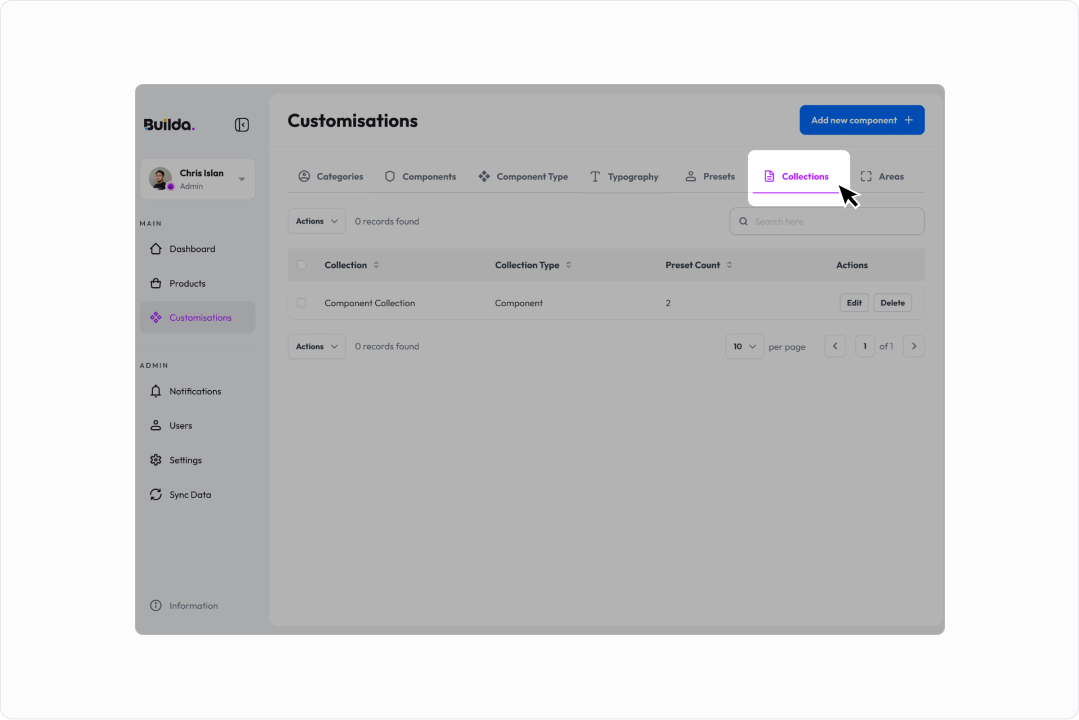
-
Click

-
Enter:
a. Name
b. Collection Type
-
Enter:
a. Components or Presets
-
Click
Create Areas
-
Go to
-
Go to

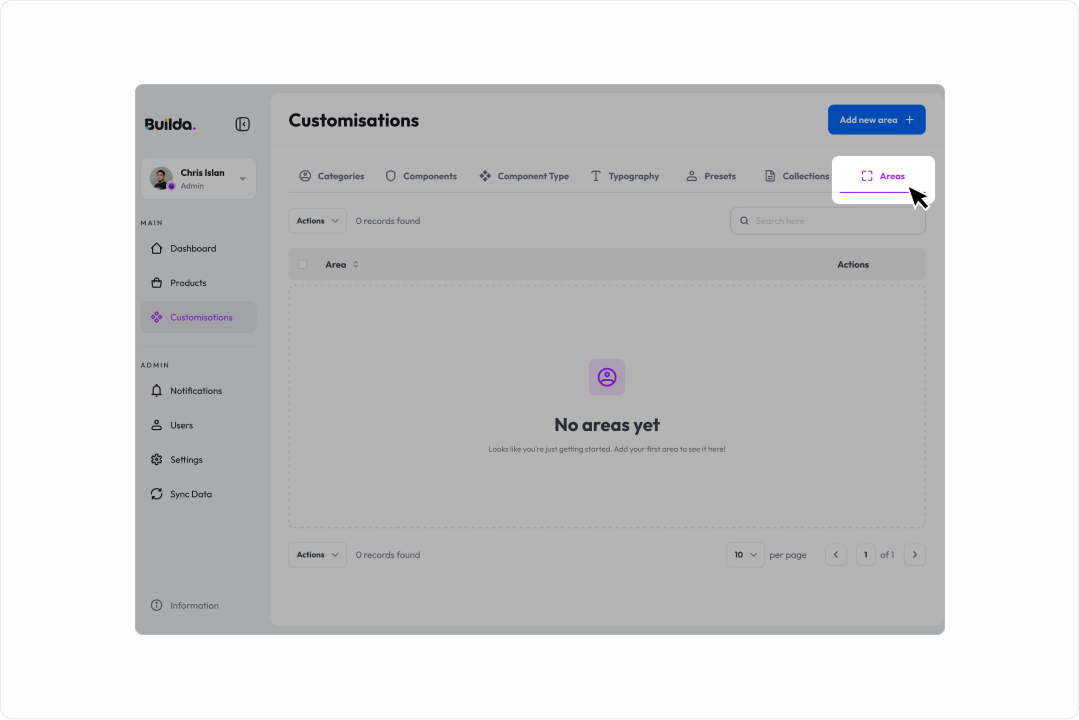
-
Click

-
Enter:
a. Name
-
Click